Marketplace›Dofus Touch›Router Automatic script dispatcher
Router Automatic script dispatcher
by Maspa 47 downloads
Description
The missing link between the Controller and your scripts
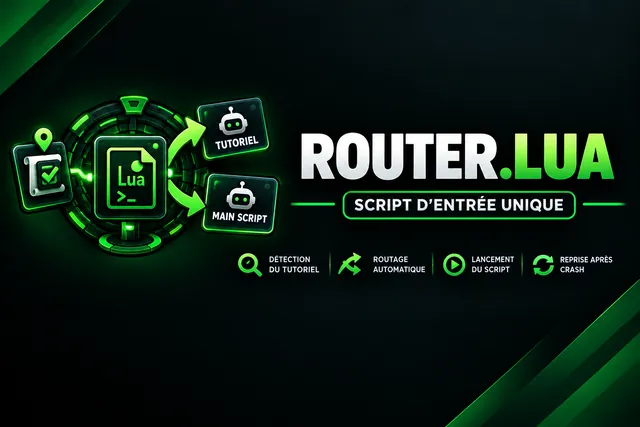
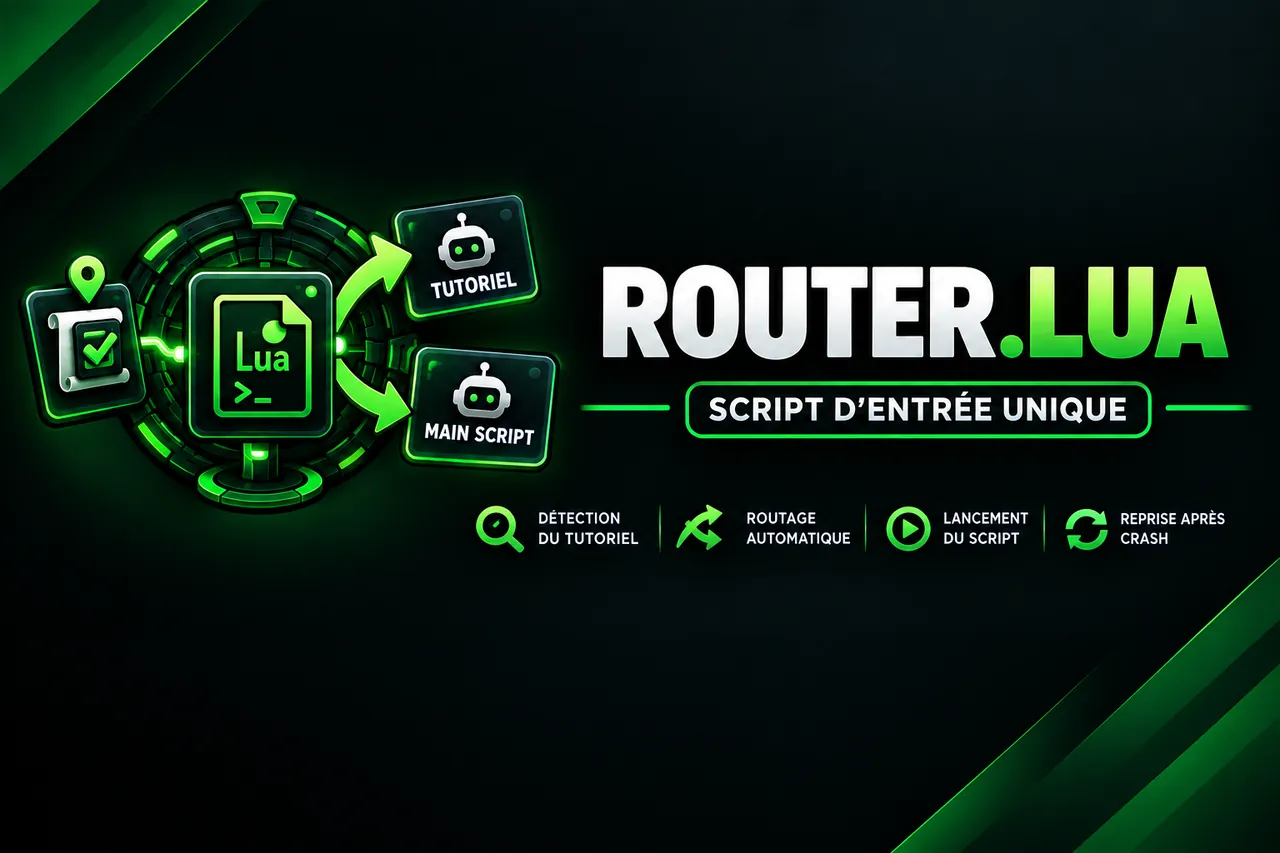
The Router is a small single entry-point script that decides, for you, which script to launch on an account depending on its progress in the game.
The Controller knows whether an account is connected or whether a script is running, but it has no access to a bot's API methods (Quests, for example). The Router, on the other hand, runs on the account: it reads the character's actual progress, then launches the right script. It is the piece that makes it possible to chain several scripts without ever touching an account by hand.
100% free, because it is essential to the automatic operation of Run Kamas Astrub. But it is not tied to any one script in particular: it adapts to any pair of scripts.
What it does
- It requests the character's quest list and waits for it to load.
- It examines a “pivot” quest shared by your two scripts (the one that marks the switch from one to the other).
- It launches the appropriate script using its exact name, then exits.
The decision logic
| Pivot quest status | Script launched |
|---|---|
| Quest already completed | Main script |
| Quest not yet received | Starting script |
| Active quest at the transition step | Main script |
| Active quest, with an objective from the “main part” list still to be done | Main script |
| All other cases | Starting script |
The test covers both the step and the remaining objectives. A quest shared between two scripts therefore doesn't fool it.
The 4 cases covered
- Brand-new account (reroll): Router → starting script.
- End of the starting script: the bot becomes idle → the Controller relaunches the Router → main script.
- Main script crash: Controller → Router → main script, which picks up where it left off.
- Starting script crash: Controller → Router → starting script.
Strengths
- No manual intervention between two scripts.
- Stateless: you can relaunch it as many times as needed without any risk.
- Clear logs, prefixed with
[ROUTER], that indicate which script was chosen. - Settings at the top of the file, which you can change in a few seconds.
- Comes preconfigured for Run Kamas Astrub.
Instructions
Installation
- Subscribe to add the script to your library.
- Check the script's exact name in your library. It must be identical (spelling and capitalization) to the
SCRIPT_ROUTERconstant of the Controller (default value:router). - Open the parameter block at the top of the script and fill in the names of your two scripts (see the table below).
- In normal use, do not launch it by hand: the Controller launches it on each idle account. For a test, select the character in the Bot tab, choose the Router, then launch it.
Starting point
- No map required: the Router does not perform any movement.
- The account must be connected and in game, preferably out of combat, with no other script running.
- Both target scripts must exist in your library, with the name you specify.
Parameters
| Parameter | Default value | Role |
|---|---|---|
SCRIPT_TUTO | tutoriel | Exact name of the script to launch before the main part (start, tutorial, leveling up…). |
SCRIPT_MAIN | Name of Run Kamas Astrub in your library | Exact name of the main script. |
QUETE_COMMUNE | 4282 | ID of the “pivot” quest present in both phases. |
STEP_MAIN | 4964 | ID of the step of this quest from which the main script takes over. |
OBJECTIFS_MAIN | 14024, 14048, 14040 | Objectives of this step handled by the main script (safety net). |
The default values of the last three parameters correspond to Run Kamas Astrub. If you keep them, there is nothing to change.
Using it with another script
The Router works with any pair of scripts (for example a leveling script, then a farming script).
- Choose a quest that exists in both phases and that marks the boundary between them.
- Fill in
QUETE_COMMUNE,STEP_MAINandOBJECTIFS_MAIN. - Fill in
SCRIPT_TUTOandSCRIPT_MAINwith the exact names of your scripts.
Tips
Run a first test by hand on a single account and read the console: the Router displays
[ROUTER] Tutoriel termine -> lancement de '…'or[ROUTER] Tutoriel non termine -> lancement de '…'. Check that the name displayed is indeed the name of your script.
- A misspelled script name is the #1 cause of failure: copy and paste it from your library.
- If you rename a script, update the corresponding constant in the Router (and
SCRIPT_ROUTERin the Controller for the Router itself). - The Router runs only once, then exits: it is normal that it doesn't “run” continuously.
The detailed settings and the script itself are in the app, once the script is in your library.
What’s new
- Version 2026.10.24October 24, 2026
fix
- Version 2026.10.23.3October 23, 2026
- correction changement alias
- Version 2026.10.23.2October 23, 2026
Le compte prend l’alias Tutoriel ou Main Script selon le script lancé (ALIAS_TUTO, ALIAS_MAIN).
- Version 2026.10.23October 23, 2026
logs: pourquoi une configuration n’a pas été chargée (introuvable, en double).
logs: pourquoi executeScript a été refusé.
Attend après le lancement du script suivant pour ne pas s’arrêter trop tard tout seul.
This script runs in MoonBot, the cloud Dofus Touch bot: nothing to install, your accounts play on our servers.
From the same creator

Controller Multi-account control + Bot Bank
MMaspa
The Controller runs on a dedicated account (a banker for example), connected permanently. It fulfills two missions at once: Supervisor: it monitors…
View details →Run Kamas Astrub 100% Astrub Dofus Argenté TDM
MMaspa
The script that turns your Sacriers into kamas machines. Run Kamas Astrub takes a character right after the tutorial, completes all of Astrub's…
View details →PROFESSION PACK
MMaspa
Proxy + free accounts to come with the script (permanent subscription only) Before launching the script, read all the features carefully. In short…
View details →
HDV AUTO: Selling & Update Inventory + Bank + House
MMaspa
Are you looking for a convenient way to manage the sale of your resources, consumables or runes in Dofus? Discover our script for managing your…
View details →More Dofus Touch scripts
All Dofus Touch scripts →
Dofus Touch Tutorial
MMoonBot team
The Albuera tutorial completed for you, up to the arrival in Astrub. The script chains the six tutorial quests: Bien débuter, Les indésirables…
View details →Piwi Farm Script in a Loop (Multi-Account / Group)
MMewRox
Need feathers in bulk or an XP boost for your new characters? This script automates Piwi farming in a loop for your team in the starting zones. It's…
View details →
Gobball Dungeon (bank return + hdv key purchase)
KKamas-Touch
Automatic loop: The script chains the Gobball Dungeon without interruption. Once launched, it runs on its own and restarts each run automatically…
View details →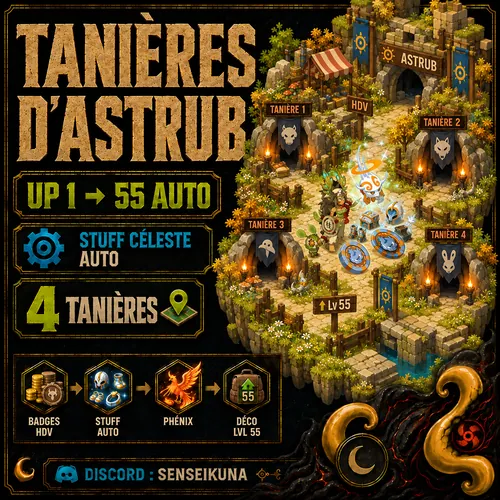
UP 1 55 AUTO ASTRUB DENS & CÉLESTE GEAR
SSenseikuna
UP 1 55 AUTO ASTRUB DENS & CÉLESTE GEAR Automatically level up a character from level 1 to 55 while collecting and equipping the sets from the…
View details →